
Lessons, vocabulary and filters
A dictionary holds a course, vocabulary and exercises. Filters and tick boxes decide what goes into the review.
Chapters and lessons
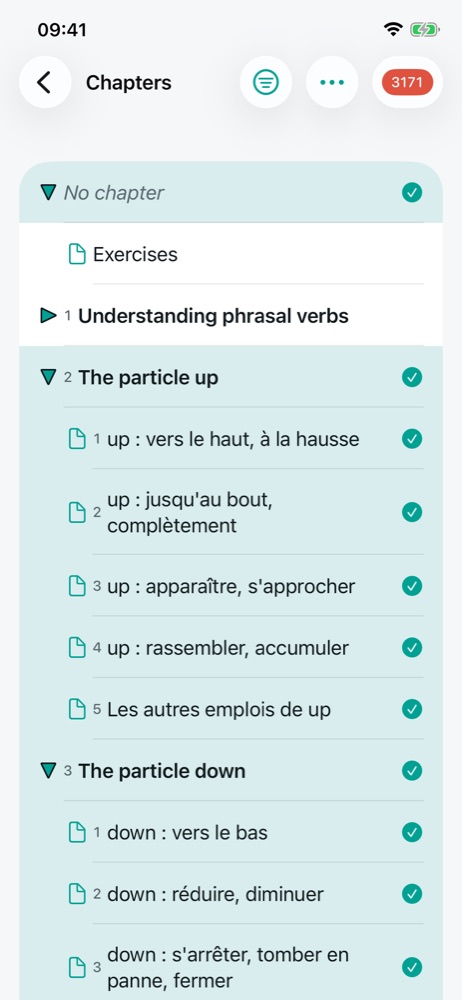
The Chapters entry of a card opens the course outline. Each chapter expands (triangle) onto its numbered lessons. The tick on the right of a lesson includes it in the review; a chapter's tick ticks or unticks all its lessons, and shows as partly ticked when only some are. The No chapter row gathers content that belongs to no lesson.
At the top of the screen: a button to collapse everything except the selection, the … menu (tick all or none, import or export the lessons) and the red badge, which starts a review of the ticked lessons.
Reading a lesson
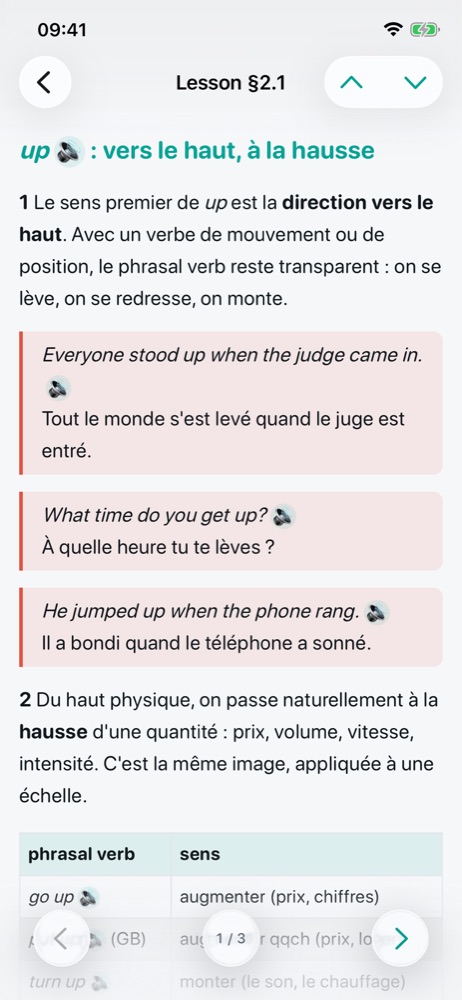
A lesson is a sequence of elements: one or more course notes, its vocabulary, its exercise series. The arrows at
the bottom move from one element to the next (the counter shows the position, for example 1 / 3); the chevrons at the top
move to the previous or next lesson.
- In a note, terms in the language being studied have a 🔈 button: tap it to hear them. Examples are boxed with their translation.
- A reference such as
(§8.3)is a link to another lesson (chapter 8, lesson 3). - On the vocabulary or exercise element, the red badge starts a review of that lesson only.
Vocabulary
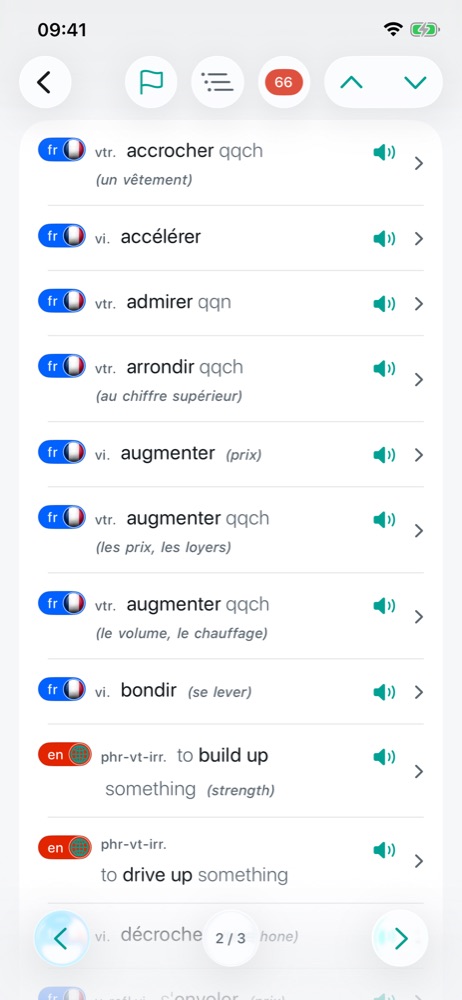
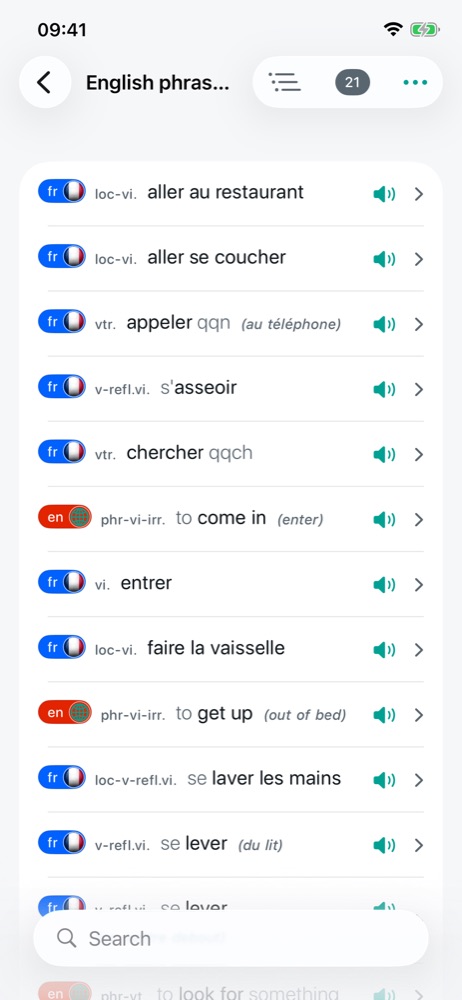
The vocabulary list shows each word with its language (badge and flag), its grammar abbreviation (vtr. transitive
verb, n (f) feminine noun…) and, in grey, what surrounds it without being marked: the article (a, un),
the to of the English infinitive, the object something. In brackets and italics, the context removes
an ambiguity: to get up (out of bed) is one sense of get up among several.
Tap the speaker to listen, the row to open the word and its translations. The Search field filters the list.
Exercises
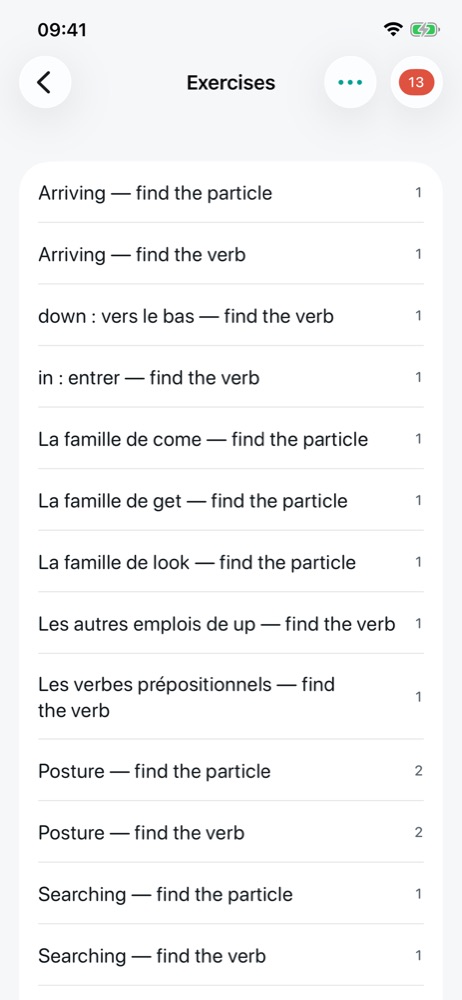
Exercises come in series: a shared instruction (“Translate into French”, “Choose the right word”) and questions. A question can have one or more gaps, proposals to tap, a clue in brackets (“past tense”, “plural”), and a translation in another language to guide you. The Exercises list shows how many questions each series has.
Filters
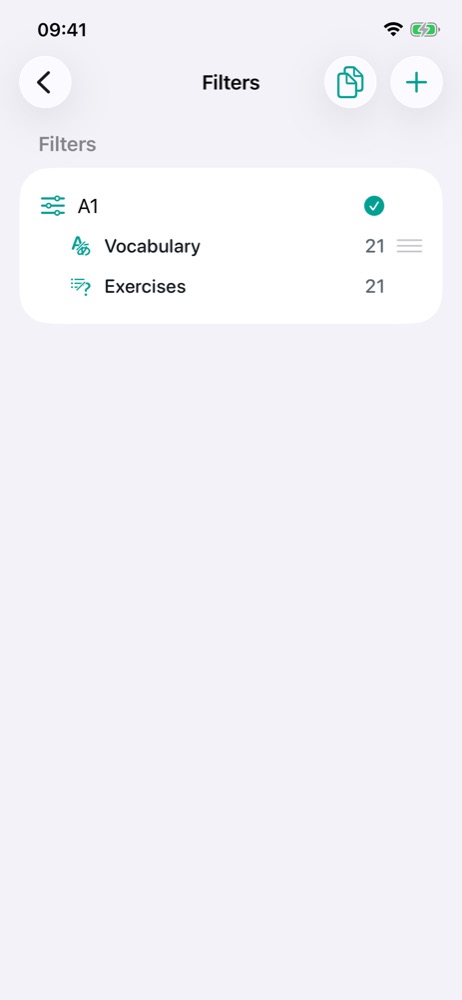
A filter chooses the words and questions to review: by level (A1), by topic (Travel), by part of speech (verbs), or by a combination. The + button of the Filters screen creates one; filters combine:
| Combination | Result | Example |
|---|---|---|
| Union | what is in either | Travel + Cooking |
| Intersection | what is in both | Verbs and A1 |
| Difference | the first, without the second | Verbs − irregular |
The tick on the right of a filter applies it. Under each filter, the number of words and questions it keeps; tap them to see the list. A filter that refers to itself (circular reference) or uses an archived filter is flagged.
The copy button at the top of the screen creates a new dictionary from the selection 🔒: only the words kept by the filter are copied, with their translations.
What gets reviewed, in the end
A dictionary's review takes the ticked lessons, the ticked filters and the included kinds of content (vocabulary, exercises), then keeps only what is due today.
Free version: one selected filter at a time; a new filter replaces the selection. Ticking several filters, and creating a dictionary from the selection, need the full version.